


25 $
We currently only accept Crypto payments on the website. If you’d like to pay via PayPal or Credit Card, please contact us via email shoppycourses@gmail.com and we will provide you with a secure payment link

 GET EXTRA DISCOUNTS
 CHECK ALL OUR EXCLUSIVE COURSES HERE
 Sale Page: https://futuredesigner.io/
👉 Check All Exclusive Courses HERE 👈
Proof Download
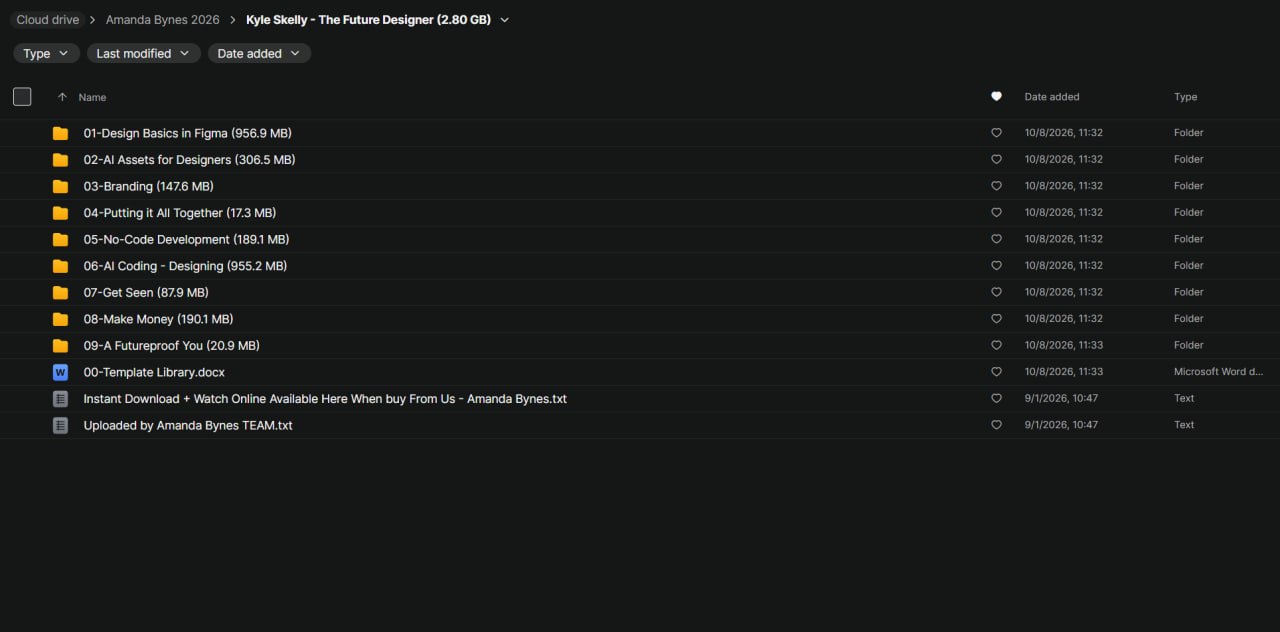
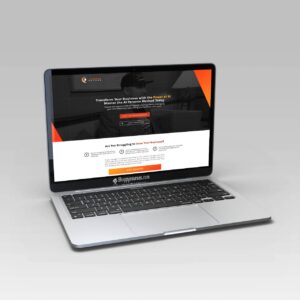
Kyle Skelly – The Future Designer
The New Standard for Designers in an AI-Driven Industry
The web design industry is changing rapidly.
AI tools are making it possible to generate visual assets, explore creative directions, accelerate development, and bring digital products
to life with fewer traditional production steps.
For designers, this shift creates both a challenge and an opportunity:
staying competitive increasingly means understanding how to combine design fundamentals with modern AI-assisted workflows.
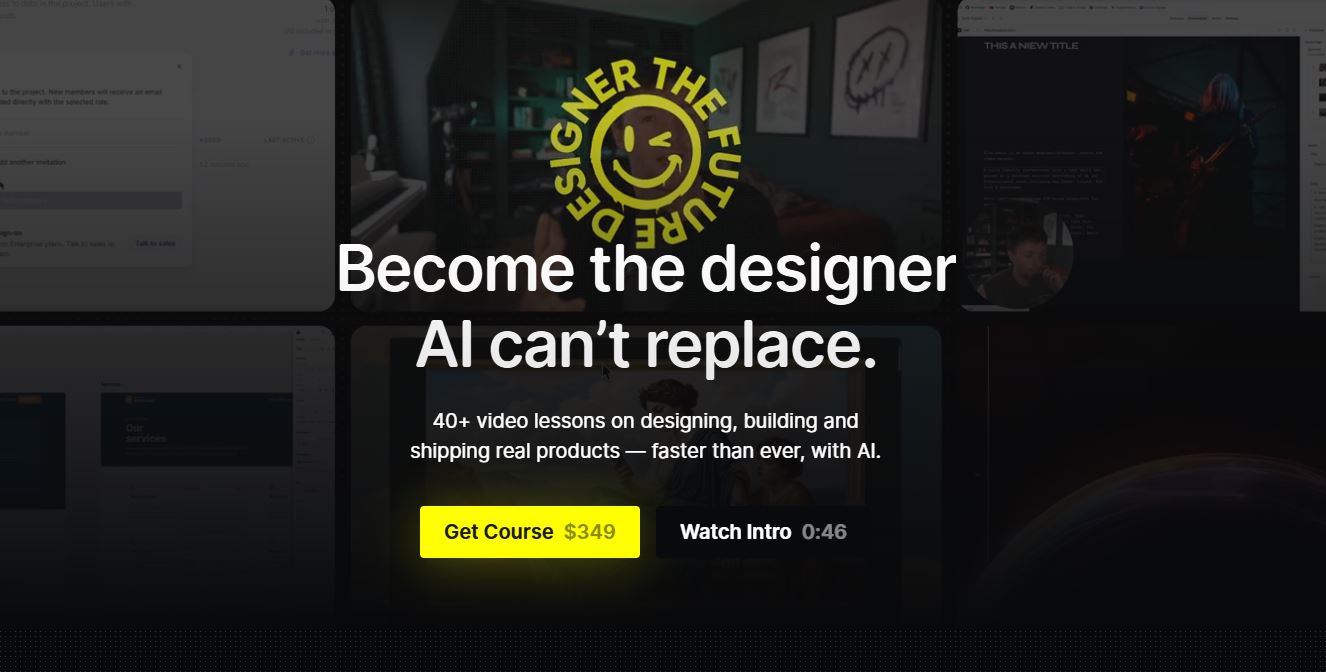
The Future Designer is designed to help creatives adapt to this new environment by learning how to design, build, and ship real digital projects using contemporary tools.
Rather than focusing exclusively on individual software features,
the course emphasizes a connected workflow that brings together visual design, branding, AI-generated media, and no-code website development.
The program includes more than 40 video lessons covering over seven hours of training.
Its curriculum moves from design fundamentals in Figma to AI asset creation, brand identity, and website building with tools such as Framer.
The central idea is that AI works best when guided by a designer who understands composition, typography, visual hierarchy, brand consistency,
and the needs of the people using the finished product. A
utomation can accelerate execution, but creative judgment remains essential to producing work that feels intentional rather than generic.
For aspiring designers, freelancers, established creatives, and entrepreneurs,
The Future Designer offers a structured way to explore how these capabilities can fit into a modern digital design workflow.
Use AI as a Creative Partner, Not a Replacement for Judgment
Artificial intelligence can support brainstorming, asset production, research, and technical experimentation.
However, effective AI-assisted design requires more than entering a prompt and accepting the first result.
The course examines how designers can incorporate AI into their workflows while retaining control over quality, originality, and the final creative direction.
Areas covered include:
AI image generation: Explore methods for producing visual concepts and assets for digital projects.
AI video creation: Understand how generated video can contribute to creative presentations and online experiences.
Production-quality refinement: Improve generated assets so they are more suitable for real design work.
AI as a second brain: Use AI tools to support research, idea development, and problem-solving.
Model Context Protocol (MCP) tools: Explore ways supported AI systems can interact with external tools and workflows.
Tool selection: Consider which tasks are appropriate for AI and which require a more traditional approach.
Responsible AI use: Recognize situations where automation may introduce unnecessary complexity or reduce creative control.
The objective is to develop a more thoughtful approach to AI adoption. Designers can experiment with new capabilities without losing sight of the brief,
the intended audience, or the standards required for a professional deliverable.
Connect Design Concepts With Real Projects
Learning individual techniques is valuable, but applying them to a complete project helps demonstrate how those skills work together.
The course includes a project brief that encourages learners to connect the different parts of a design process.
A project-oriented approach can help learners practice:
Interpreting a creative brief and identifying its core requirements.
Translating a business objective into a visual direction.
Selecting appropriate design and production tools.
Maintaining consistency between branding and website design.
Reviewing a project for visual quality and practical usability.
Organizing the work into a presentation that communicates the decisions behind the result.
Working through a defined brief can also expose gaps in an existing workflow.
For example, a designer may be comfortable producing a landing page but less confident when choosing a brand direction, preparing reusable assets,
or presenting the finished work to a client.
Connecting these activities creates a clearer picture of how professional design projects move from planning to delivery.
Be the first to review “Kyle Skelly – The Future Designer”
Related products




Reviews
There are no reviews yet.